
Windows Server 2022 vs 2025: What’s the Difference?
A complete feature-by-feature comparison of Windows Server 2022 and 2025. We’ll look at security, performance, virtualisation, support lifecycle, and help you decide which one to install on your VPS in 2026.
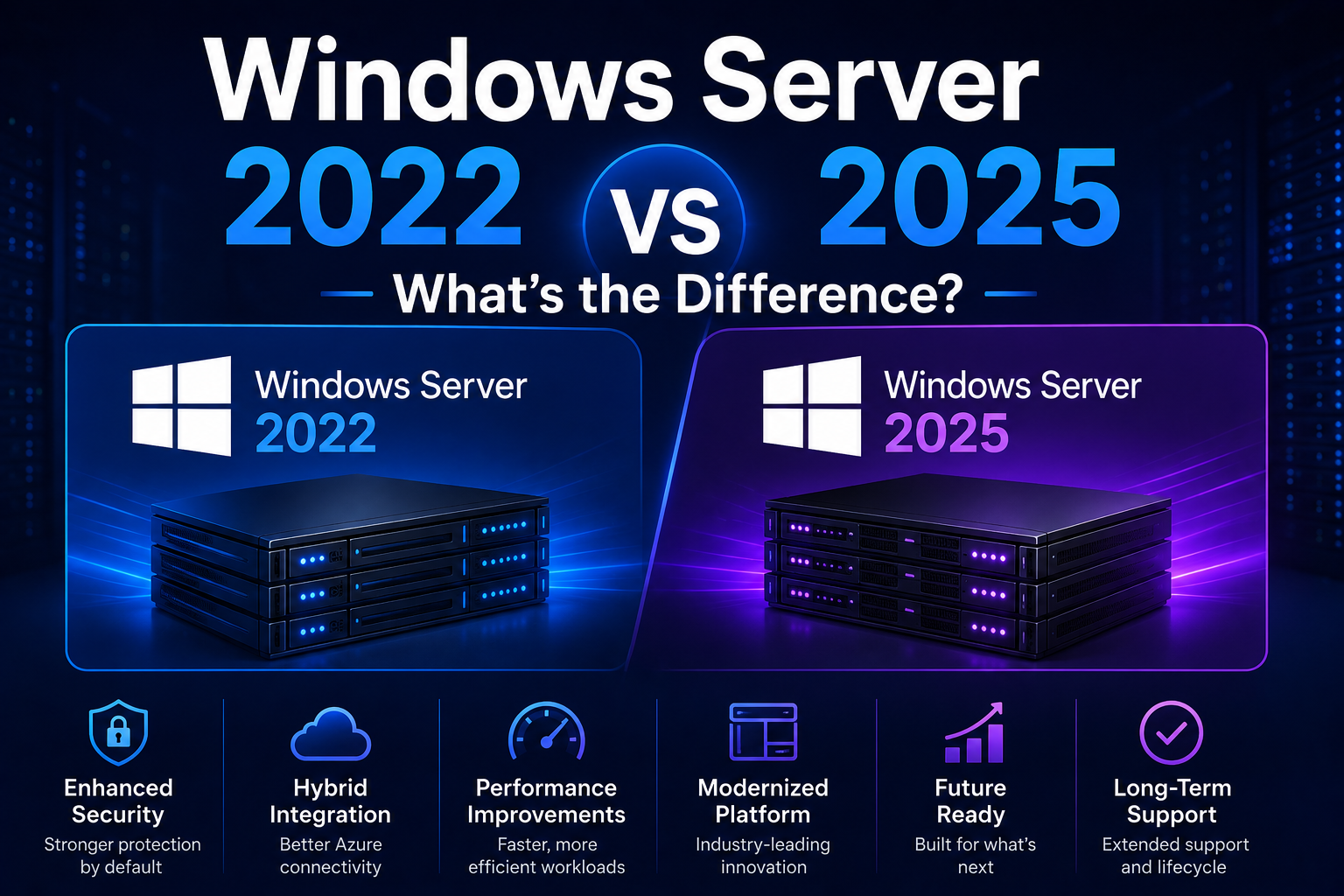
01Overview
Windows Server 2022 and 2025 are both Long-Term Servicing Channel (LTSC) releases. That means they get 5 years of mainstream support followed by 5 years of extended security-only support. Neither is going away anytime soon. But they do represent meaningfully different eras of Microsoft’s server strategy.
Windows Server 2022 (released August 2021) was a solid, security-focused evolution built on Windows 10. Its headlines were Secured-core Server, SMB over QUIC, and improved Azure hybrid integration. It’s proven, stable, and extremely well-supported by third-party software.
Windows Server 2025 (released November 1, 2024) is the first server OS built on the Windows 11 codebase. It’s a more substantial jump, bringing hotpatching, GPU partitioning for AI/ML workloads, NVMe over Fabrics storage, a new Active Directory functional level, and significant security hardening including the removal of NTLM in favour of Kerberos. It’s the right choice for most new deployments in 2026.
After October 2026, Server 2022 moves to extended support. That means security patches only, no new features or non-security fixes. If you’re deploying a fresh server in 2026, Server 2025 gives you a longer full-support runway before that happens.
02Full Feature Comparison Table
| Feature | Server 2022 | Server 2025 |
|---|---|---|
| Release date | August 2021 | November 2024 |
| Based on | Windows 10 21H2 | Windows 11 24H2 NEW |
| Mainstream support ends | October 2026 | October 2029 |
| Extended support ends | October 2031 | October 2034 |
| Hotpatching (no-reboot updates) | Not available | Available via Azure Arc NEW |
| Desktop UI | Windows 10 style | Windows 11 style NEW |
| Windows Terminal (built-in) | Requires manual install | Included by default NEW |
| WinGet package manager | Not included | Built-in NEW |
| Secured-core Server | Supported | Enhanced |
| Credential Guard | ◑ Optional, manual enable | Enabled by default IMPROVED |
| NTLM authentication | Supported (legacy) | ◑ Deprecated, Kerberos preferred IMPROVED |
| SMB over QUIC | Datacenter only | All editions IMPROVED |
| SMB signing (mandatory) | Optional | Required by default NEW |
| NVMe over Fabrics (NVMe-oF) | Not supported | Native support NEW |
| Storage performance vs 2022 | Baseline | Up to 90% more IOPS (NVMe) IMPROVED |
| Hyper-V max vCPUs per VM | 240 vCPUs | 2,048 vCPUs IMPROVED |
| Hyper-V max RAM per VM | 12 TB RAM | 240 TB RAM IMPROVED |
| GPU partitioning (AI/ML) | Not supported | GPU partitioning across VMs NEW |
| Active Directory functional level | 2016 functional level (unchanged) | New 2025 level, 32k page support NEW |
| Min RAM (Desktop Experience) | 2 GB (4 GB recommended) | 4 GB (8 GB recommended) |
| Min disk space | 32 GB | 32 GB (64 GB recommended) |
| Third-party software support | Universal, 5 years of app support | ◑ Newer, some apps still updating |
| OS Installer supported | Fully supported | Fully supported |
03Security: Where 2025 Makes the Biggest Leap
Both versions are significantly more secure than Server 2019, but 2025 adds several hardening measures that 2022 simply doesn’t have.
Credential Guard On by Default
In Server 2022, Credential Guard must be manually enabled. In Server 2025, it’s enabled by default on supported hardware. This prevents credential theft attacks like Pass-the-Hash and Pass-the-Ticket by isolating credentials in a secure enclave.
NTLM Deprecated, Kerberos First
NTLM authentication is a legacy protocol with known weaknesses. Server 2025 deprecates NTLM and enforces Kerberos by default, closing a significant attack surface that malicious actors have exploited for decades.
SMB Signing Mandatory
Server 2025 requires SMB signing on all connections by default, preventing relay attacks. Server 2022 made this optional, meaning many 2022 deployments are vulnerable to SMB relay attacks unless manually hardened.
Removed Weak Encryption
Server 2025 removes RC4, DES, and other legacy cryptographic algorithms by default. Server 2022 still supports these for backwards compatibility. For regulated industries, 2025’s stricter defaults reduce compliance effort significantly.
04Performance: Storage and Network
For most VPS use cases, like running applications, hosting websites, or RDP remote access, the day-to-day performance difference between 2022 and 2025 is modest. The big gains in 2025 are in storage-heavy workloads and high-density virtualisation.
- NVMe over Fabrics (NVMe-oF): Server 2025 adds native NVMe-oF support, making remote storage perform as fast as a locally attached NVMe drive. Server 2022 has no NVMe-oF support. For VPS workloads with high disk I/O, like databases or video processing, this is a significant advantage.
- NVMe IOPS: Microsoft reports up to 90% more IOPS on NVMe storage in Server 2025 vs 2022 with the same hardware. On providers like Hetzner with NVMe SSD plans, you’ll feel this in database query times and file system operations.
- SMB over QUIC: Available on all Server 2025 editions, versus Datacenter-only in 2022. Provides fast, secure file sharing over the internet without a VPN.
- Hotpatching: Server 2025 with Azure Arc allows security patches to be applied without rebooting. Server 2022 requires a reboot for every patch. This doesn’t affect raw performance but dramatically improves uptime.
On a standard VPS without dedicated NVMe-oF storage or GPU partitioning workloads, Server 2022 and 2025 perform similarly for everyday tasks like web serving, RDP sessions, and running applications. Choose 2025 for its security improvements and longer support lifecycle, not primarily for raw performance gains.
05Virtualisation & Hyper-V
If you’re running Hyper-V VMs on your server, rather than using it as a guest VM, the 2025 improvements are dramatic, particularly for AI/ML and large database workloads.
- Max vCPUs per VM: Server 2025 supports up to 2,048 virtual processors per VM, up from 240 in Server 2022. That’s enterprise-scale workloads only, but it shows the direction of the platform.
- Max RAM per VM: Server 2025 supports up to 240 TB RAM per VM, up from 12 TB in Server 2022.
- GPU partitioning: Server 2025 introduces GPU partitioning across VMs with live migration and failover clustering. This is the key enabler for running AI/ML inference workloads on Windows Server. Server 2022 has no GPU partitioning support.
- Container improvements: Better Kubernetes integration and improved container isolation in Server 2025.
For typical VPS use, where you are the guest VM, not the host, these differences are irrelevant. Your VPS provider handles the hypervisor. Both versions perform equally well as Hyper-V or KVM guest operating systems.
06UI & Day-to-Day Management
This is where Server 2025 feels most noticeably different if you’re connecting via RDP regularly.
- Windows 11-style desktop: Server 2025 uses the Windows 11 UI with centred taskbar, rounded corners, updated Start menu, and refreshed Settings app and File Explorer. Server 2022 looks like Windows 10.
- Windows Terminal built-in: Server 2025 ships with Windows Terminal pre-installed, giving you a modern tabbed console for PowerShell, CMD, and WSL. Server 2022 requires manual installation.
- WinGet package manager: Server 2025 includes WinGet by default, letting you install applications from the command line like
winget install vlc. Server 2022 lacks this. - File compression in Explorer: Server 2025 lets you compress files directly from File Explorer right-click menu. Small but useful quality-of-life improvement.
- Server Manager: Same in both versions. The core management interface hasn’t changed significantly.
- Windows Admin Center: Improved in 2025 with a more intuitive interface and better Azure integration.
07Support Lifecycle: The Deciding Factor for New Deployments
If you’re deploying a fresh Windows Server in 2026, the support lifecycle alone is a compelling reason to choose Server 2025.
| Milestone | Server 2022 | Server 2025 |
|---|---|---|
| Release date | August 18, 2021 | November 1, 2024 |
| Mainstream support ends | October 13, 2026 | October 10, 2029 |
| Extended support ends | October 14, 2031 | October 10, 2034 |
| Full support remaining (May 2026) | ~5 months | ~3.5 years |
| Total remaining support (May 2026) | ~5.5 years (security patches only after Oct 2026) | ~8.5 years |
The bottom line: Server 2022’s mainstream support ends in October 2026, just months away. Deploying Server 2022 now means you’re buying a product that will immediately enter maintenance mode. Server 2025 gives you a full runway of active development and feature updates through 2029.
08Which Should You Use?
The short answer for 2026: use Server 2025 for any new deployment. The only good reason to choose Server 2022 now is specific application compatibility requirements or existing infrastructure where upgrading would be disruptive.
- You have existing applications confirmed compatible with 2022 but not yet tested on 2025
- You’re running an older 32-bit or legacy application that needs a known-compatible environment
- Your organisation has a policy of waiting 12 to 18 months before adopting a new server OS
- You need to match an existing Server 2022 environment for consistency
- You’re deploying a new server and want the longest possible active support window
- Security hardening matters, like Credential Guard by default, mandatory SMB signing, and NTLM removed
- You want better storage performance with NVMe-oF and 90% more IOPS
- You prefer the modern Windows 11 UI for daily RDP use
- You want built-in Windows Terminal and WinGet without manual setup
- You’re setting up Hyper-V and need GPU partitioning or larger VM limits
Both Windows Server 2022 and Windows Server 2025 are available on the OS Installer platform. Simply select your preferred version on the installer page. The automated process is identical for both. If you’re unsure, select Server 2025 for the best combination of features and support longevity.
09Frequently Asked Questions
Can I upgrade from Windows Server 2022 to 2025 without reinstalling?
Yes, in-place upgrades from Server 2022 to Server 2025 are supported by Microsoft. You can run the Server 2025 installer on a running Server 2022 machine and it will upgrade in-place, preserving your applications and settings. On a VPS, this is easiest done by downloading the ISO and running setup. However, for most VPS deployments a clean install via OS Installer is faster and cleaner.
Is Server 2022 still a good choice in 2026?
For existing deployments running smoothly, yes. Server 2022 has extended support until 2031 so there’s no urgent need to migrate. For new deployments started in 2026, Server 2025 is the better choice. It has more remaining mainstream support, better security defaults, and the same hardware requirements for VPS use.
Does Server 2025 require more resources than Server 2022?
Slightly. Both versions have the same minimum disk requirement (32 GB) and CPU requirement. Server 2025 recommends 4 GB RAM for Desktop Experience versus 2 GB minimum for Server 2022. In practice, for VPS use we recommend 8 GB RAM for both versions to ensure comfortable RDP performance.
What happened to WordPad and other built-in apps?
Windows Server 2025 removed WordPad (use Notepad or install a third-party editor), IIS 6 Management Console, SMTP Server, and PowerShell 2.0 Engine. These removals align with Server 2025’s goal of reducing the attack surface. For VPS users these removals are rarely noticed. Modern alternatives exist for all of them.
Which version is better for a Windows RDP VPS?
For an RDP remote desktop VPS, Server 2025 gives you the better daily experience. The Windows 11-style interface is noticeably more polished, Windows Terminal is included, and WinGet makes software management easy from the command line. Server 2022 is perfectly functional but feels dated by comparison. Both are fully supported by OS Installer.
Install Windows Server 2022 or 2025 on Any VPS
OS Installer deploys both versions automatically on any Ubuntu 24.04 VPS. No manual partitioning, no driver hunting, no rescue mode. Pick your version and install in one click.
Install Windows Server Now